Choose a toy in an app
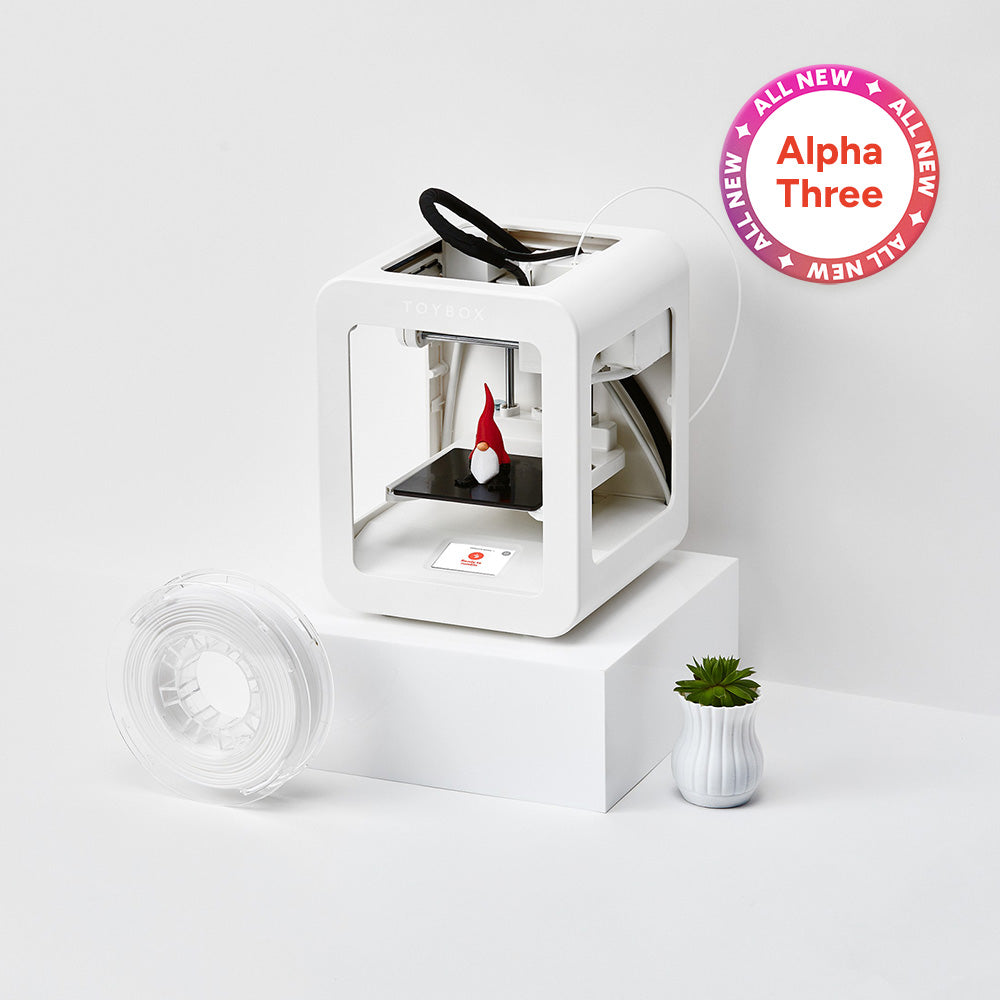
Toybox Alpha Three
Pick a toy on a phone or tablet, then send it to print.
7.5 × 8 × 9 cmMaximum print space · not machine sizeView details ↓SWB · CHOOSE • CREATE • MAKE IT YOURS
A toy they picked. A character they imagined. Something they can hold and say, “I made this.” Explore what children can choose and create themselves, through each printer’s features and owners’ experiences.
SIDE BY SIDE
Compare the app activities, preparation features and print space of these exact bundles.
Swipe across the table to compare all features. ↔
| Printer | Choose & create | Preparation features | Maximum print space | Color printing |
|---|---|---|---|---|
| Toybox Alpha Three | Browse and choose a toy in the appSend a prepared model with one tap after setup | Prepared catalog + one-tap app printing | 7.5 × 8 × 9 cm | One loaded color at a time |
| AOSEED X-MAKER JOY AI+ | Choose a model and send it through the appTry drawing, photo and prompt-based creation tools | Guided app + prepared models | 12 × 12 × 12 cm | One color per print · 8 PLA rolls in this kit |
| Entina Tina2C | Explore models in PoloPrint CloudTry the app’s creative modules | Assembled machine + automatic leveling | 10 × 10 × 10 cm | One loaded color at a time |
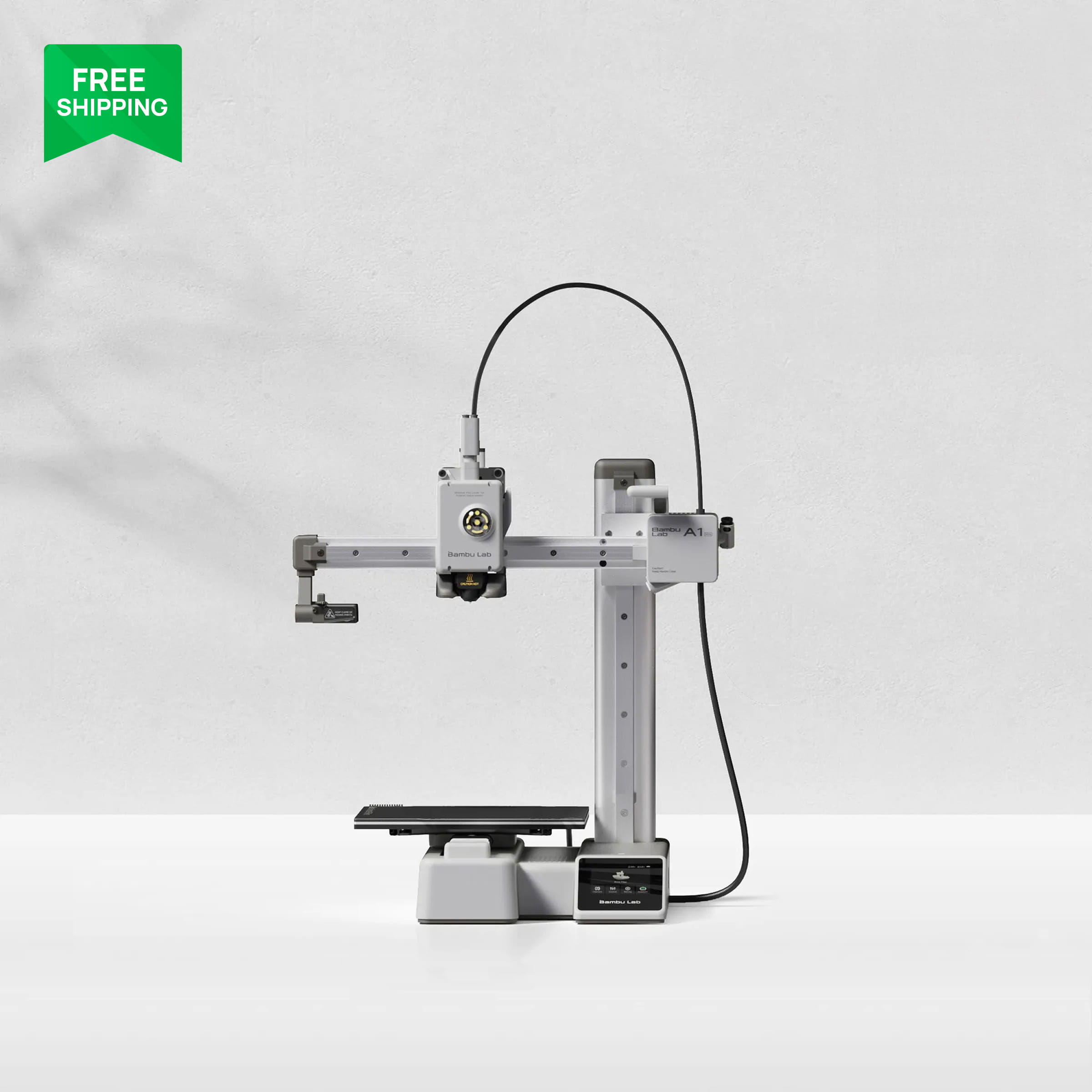
| Bambu Lab A1 mini | Browse compatible MakerWorld projects on a phonePrepare original designs in Bambu Studio after learning the tools | Automatic calibration + ready print profiles | 18 × 18 × 18 cm | One color · AMS lite sold separately |
| Bambu Lab A1 Combo | Choose a project in Bambu HandyChoose colors in software for an AMS lite project | Automatic calibration + AMS lite color changes | 25.6 × 25.6 × 25.6 cm | Up to 4 colors with included AMS lite |
These are available activities after setup, not a promise that every child can operate a printer alone. Child-use reports and each model’s age and supervision requirements are in its fact check. Dimensions describe print space, not machine size.
01 / WHAT IS DIFFERENT?
Toybox starts with a toy catalog. JOY adds AI character-making tools. Tina2C offers app activities and memory-card printing. The two Bambu models bring prepared projects and custom files into larger print spaces.
Pick a toy on a phone or tablet, then send it to print.
7.5 × 8 × 9 cmMaximum print space · not machine sizeView details ↓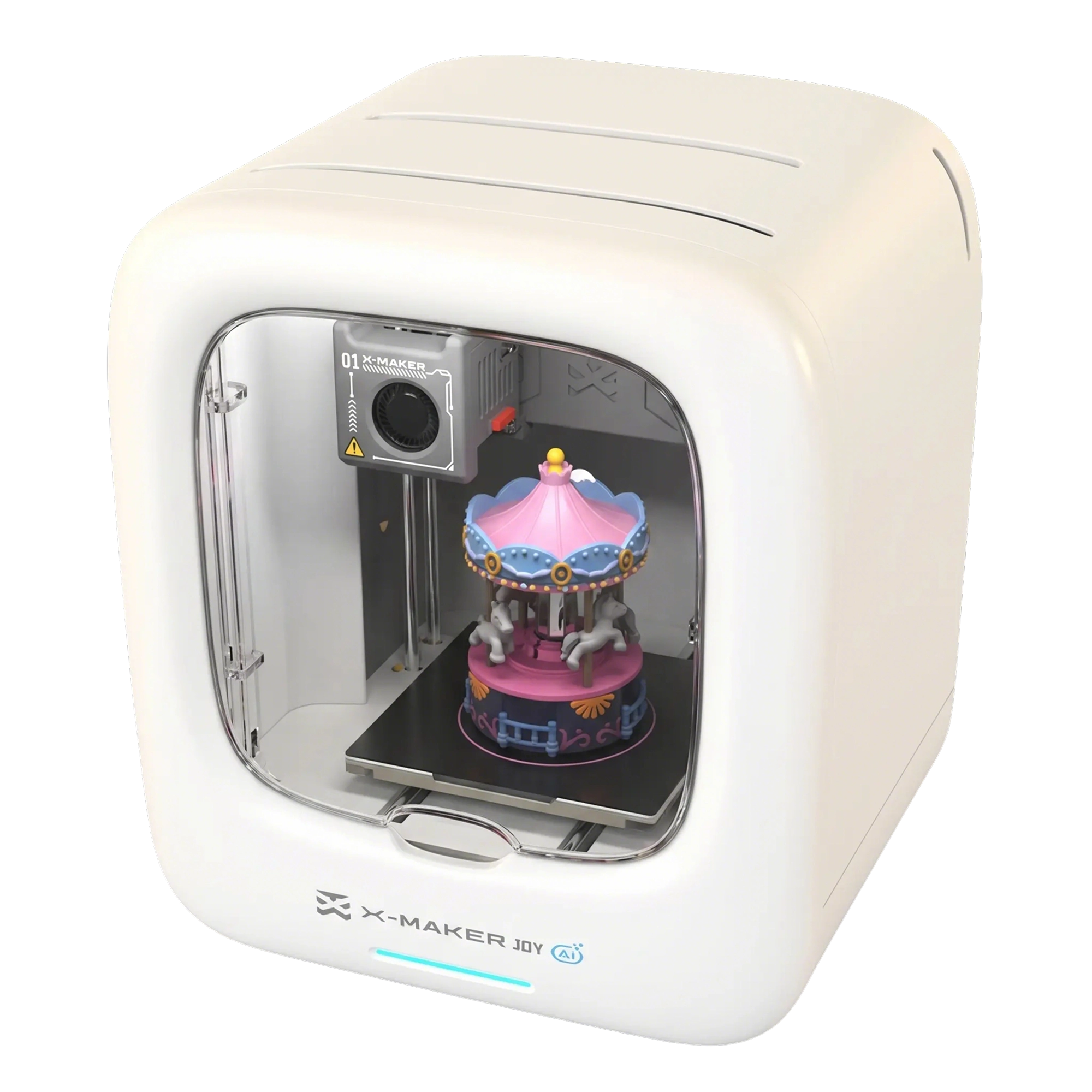
Choose a character, explore AI creation tools and watch the print through its camera.
12 × 12 × 12 cmMaximum print space · not machine sizeView details ↓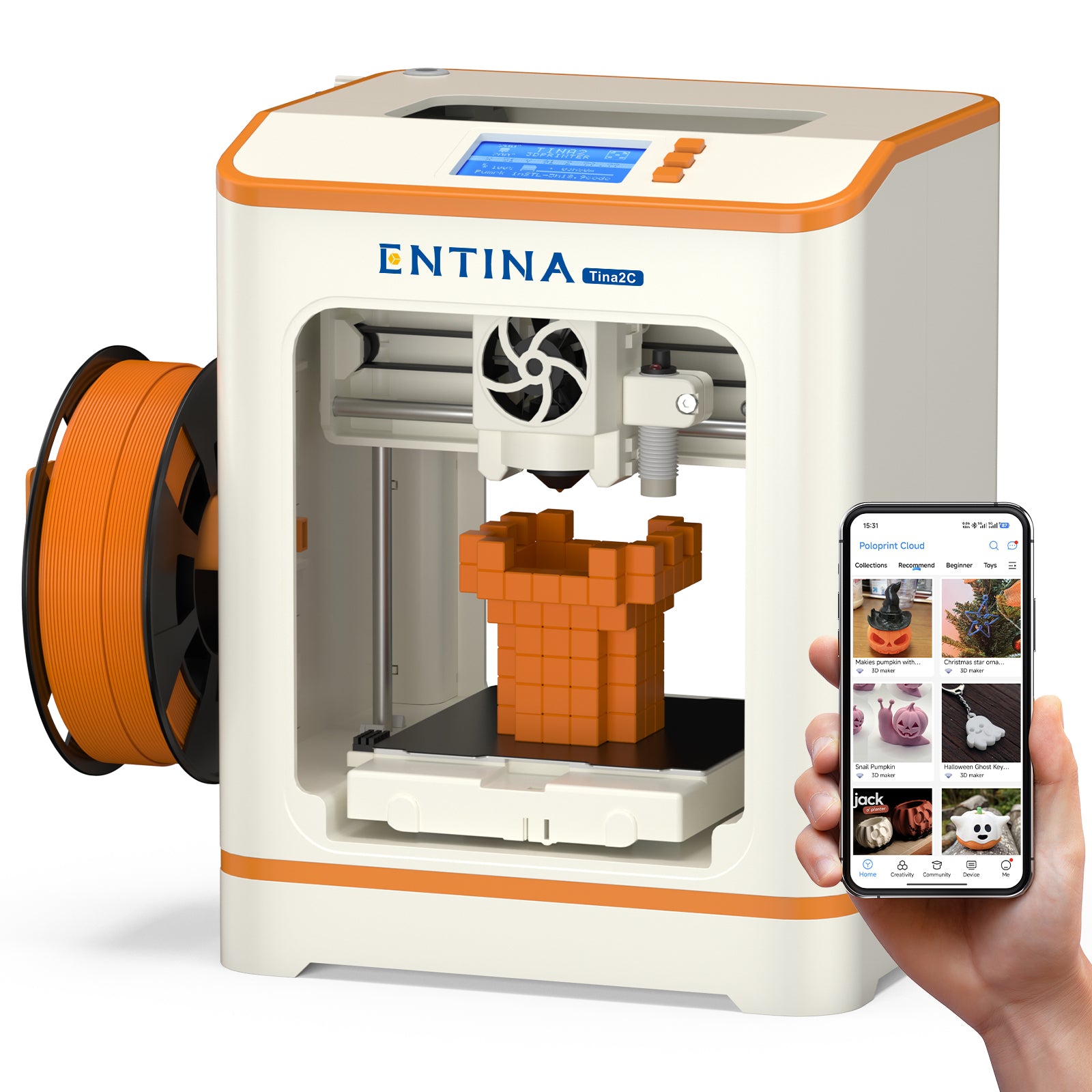
Browse the app’s models and creative modules, with app or memory-card printing.
10 × 10 × 10 cmMaximum print space · not machine sizeView details ↓Explore MakerWorld models on your phone, then try your own files in Bambu Studio.
18 × 18 × 18 cmMaximum print space · not machine sizeView details ↓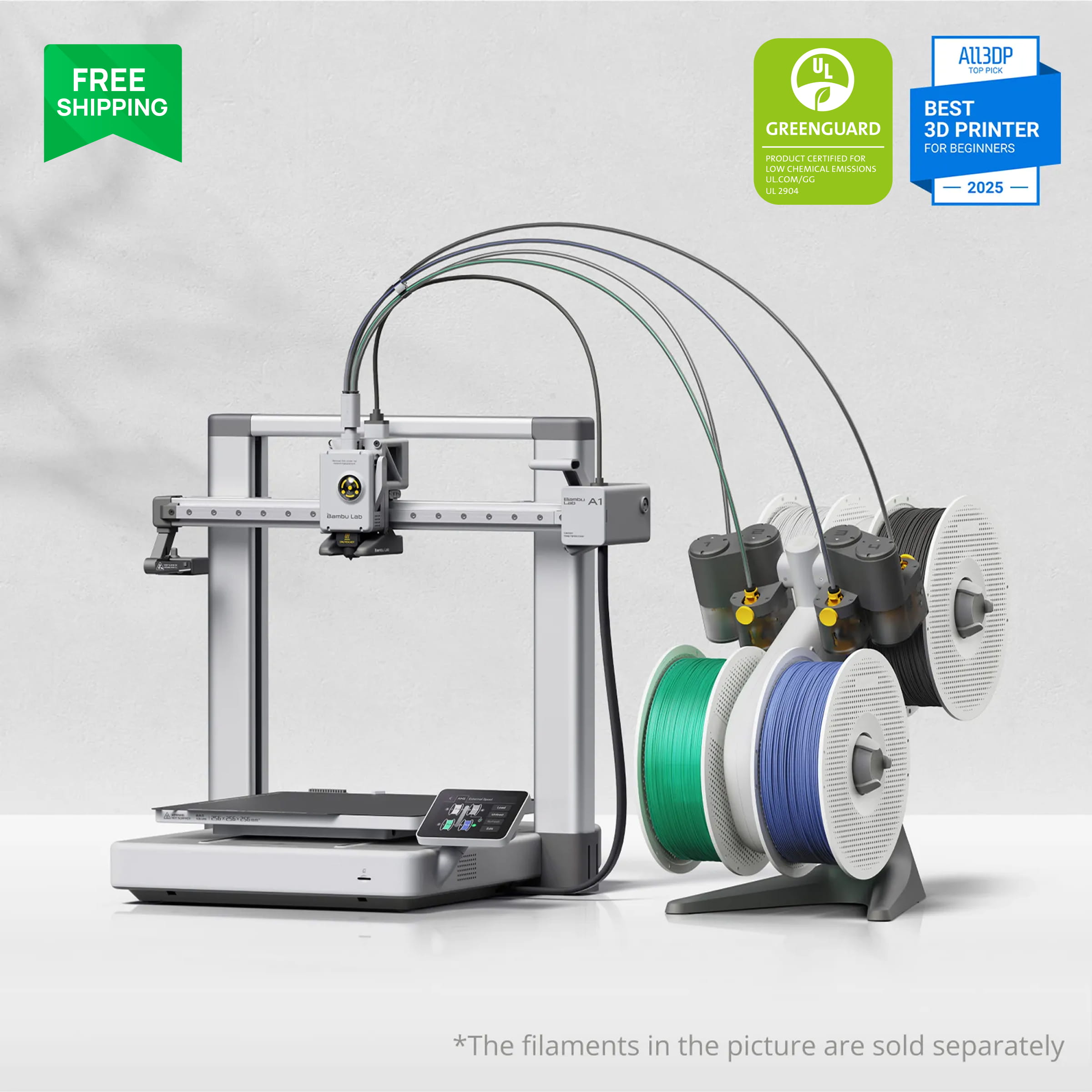
Bring larger ideas to life, with automatic switching between up to four colors.
25.6 × 25.6 × 25.6 cmMaximum print space · not machine sizeView details ↓Product visuals are manufacturer-supplied presentations, not SWB test photos. Showpieces and pictured supplies may not be included; the exact linked bundle is identified below.
02 / FROM SCREEN TO OBJECT
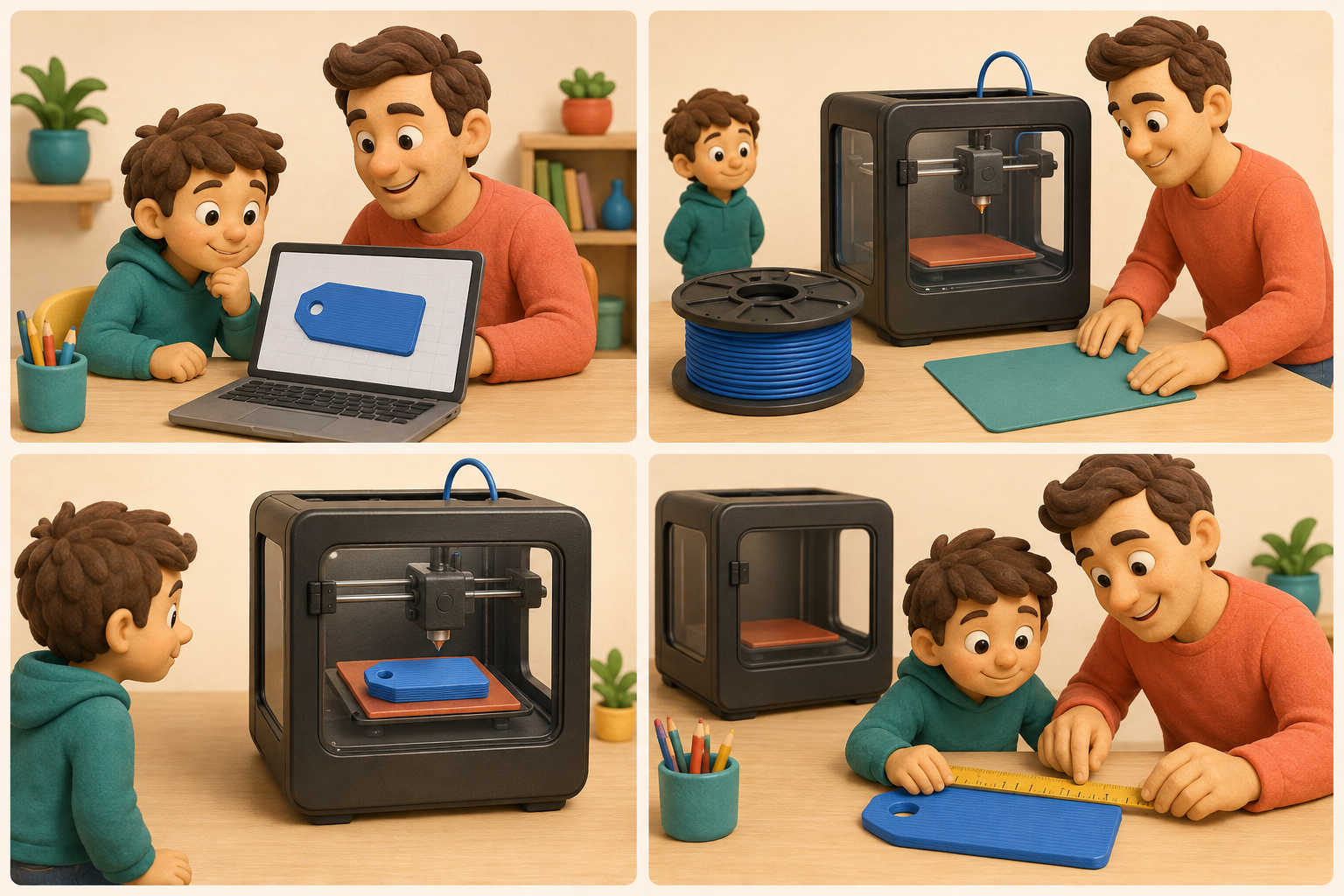
Open the model library and choose something you want to make. Prepared models give you a starting point.
Check its shape and size on screen. Use the settings prepared for your printer before sending it.
The printer builds in thin layers. Watch from outside its moving area while it makes your chosen shape.
After it cools and is removed according to the manual, look at the result and choose your next project.
Begin after an adult completes setup. Follow the model’s supervision requirements during printing; an adult handles hot parts and print removal.
What is slicing? Turning a shape into many thin layers and instructions for the exact printer. An app may do this for a prepared model; your own file may need a computer slicer.
What are supports? Temporary plastic scaffolding under a difficult shape. It uses extra material and an adult may need to remove it.
Choose a toy in an app
Alpha Three + 1 filament
Toybox advertises phone/tablet control and one-tap printing from its toy catalog.
Manufacturer features & demonstration ↗Toybox Alpha Three · Amazon ↗Alpha Three + 1 filament
Seller checked September 7, 2026: Toybox Labs. Check the current price and bundle on Amazon.
Affiliate link. As an Amazon Associate, we earn from qualifying purchases.
A parent said their daughter could manage the printer with little supervision and enjoyed the available projects.
Amazon review · 2026-04-27 ↗Paraphrased from the identified review; one owner’s experience.
Adult: remove packing, attach the spool holder and use the supplied power adapter. Follow the Alpha Three setup diagram.
Together: connect the printer to 2.4 GHz Wi-Fi and pair a Toybox profile through the setup flow.
Adult: fit compatible 1.75 mm PLA and follow the on-screen Insert operation. Keep fingers away from the nozzle.
Child: choose a small prepared model. Together, check the size and whether it needs extra payment before starting.
Watch with an adult. Do not touch the printer while it is printing. Ask for help if the first layer lifts or plastic piles up.
Adult: after completion, allow cooling before removing the part. The manual says to let toys cool for one minute; keep waiting if still hot. Flex the bed; do not scrape with fingernails.
Follow the manual supplied with your exact model; app layouts and bundles can change. Manufacturer setup guide ↗
This is one family’s report, not an age guarantee. The Alpha Three manual specifies 8+ and adult supervision for children 12 and under.
Open hot parts; Wi-Fi and a Toybox profile are part of setup. The manual rates it 8+ and requires adult supervision through age 12.
Maximum print space: 75 × 80 × 90 mm
Sampled owners liked the simple setup, catalog and small prints their children enjoyed.
Other owners reported clogs, poor bed adhesion, print failures and slow support or difficulty obtaining a nozzle. These reports do not establish a failure rate.
8 visible Amazon reviews; no model option shown. Reports of younger children do not override the official 8+ rating.
PLA refills, replacement beds and failed prints add cost. The basic catalog is free; Pro/Magic AI and some content can cost extra. SWB itself needs no membership.
We have not tested durability, support response times or the paid AI tools ourselves.
App + creative tools
White JOY AI+ + 8 PLA
AOSEED presents a model library, AI Doodle and photo-based MiniMe creation, plus an on-board camera for checking progress.
Manufacturer features & demonstration ↗AOSEED X-MAKER JOY AI+ · Amazon ↗White JOY AI+ + 8 PLA
Seller checked September 7, 2026: AOSEEDDirect. Check the current price and bundle on Amazon.
Affiliate link. As an Amazon Associate, we earn from qualifying purchases.
A parent of an eight-year-old said the guided setup and app let their child start printing with minimal help.
Amazon review · 2026-08-13 ↗Paraphrased from the identified review; one owner’s experience.
Adult: check that the box and included guide say JOY AI+. Remove transport protection and seat the build plate correctly.
Together: install the official X-MAKER app for your device. Follow the matching model setup and Wi-Fi prompts.
Adult: place the supplied PLA on its holder and use the matching app’s filament-loading instructions. Do not copy another model’s port or reset procedure.
Child: start with a small library model. An adult checks the preview, scale, material and any supports.
Print with the door closed and an adult present. A camera lets you check progress; it is not a substitute for supervision.
Wait until cooled. An adult removes the plate and part as the guide directs, then handles any support removal.
Follow the manual supplied with your exact model; app layouts and bundles can change. Manufacturer setup guide ↗
The review describes one child’s experience. It does not establish independent setup or supervision-free operation. AI feature access and quality are not independently tested here.
PLA only, one color at a time. Eight filament colors do not mean automatic eight-color printing. An enclosure does not replace adult supervision or ventilation.
Maximum print space: 120 × 120 × 120 mm
Six of the eight displayed reviews praised setup, the model library or enjoyable small prints.
Two reported app crashes or inability to load the app. This small, selected sample is not a reliability estimate.
8 visible reviews, all labelled White (JOY AI+) + 8 PLA. The older B0FDWBNY4S listing is separate; its reviews were not pooled into this sample.
Check the exact AI+ bundle, PLA quantities, app requirements and current AI usage terms. We did not verify a permanent unlimited AI allowance.
Maker pages and Amazon differ on maximum speed. We do not use a speed ranking or promise a 20-minute print. AI output still needs a size and printability check.
The linked older JOY guide and current AI+ listing differ on ports and software. Follow the guide included with your exact unit; USB/card printing has not been confirmed for this offer.
Compact starter + offline route
Tina2C · orange option
Entina lists an app model library, creative modules, Wi-Fi printing and TF-card printing. The print space is a 10 cm cube.
Manufacturer features & demonstration ↗Entina Tina2C · Amazon ↗Tina2C · orange option
Seller checked September 7, 2026: Entina3d Store. Check the current price and bundle on Amazon.
Affiliate link. As an Amazon Associate, we earn from qualifying purchases.
One parent wrote that their son enjoyed it and pointed out updates to what could be made in the app.
Amazon review · 2026-07-27 ↗Paraphrased from the identified review; one owner’s experience.
Adult: remove packaging and set the printer on a stable surface. Check the supplied power equipment and plate position.
Choose a route together: PoloPrint Cloud over Wi-Fi, or a prepared printer-compatible file on a TF/microSD card.
Adult: load the recommended starter PLA using the included instructions. Use the exact Tina2C printer profile.
Adult: check the first layer. The maker says the initial Z-offset may need adjustment even with automatic leveling.
Child: choose a small model and watch with an adult. Keep hands outside the moving area.
Adult: wait for heated parts to cool, remove the model from the flexible plate, and inspect sharp edges or loose pieces.
Follow the manual supplied with your exact model; app layouts and bundles can change. Manufacturer setup guide ↗
The sampled review supports enjoyment of the app, but does not document which steps the child completed without help.
The 10 cm cube is small. The hot-end cover is not a fully enclosed chamber. The maker tells adults to supervise younger users; no verified minimum age is stated here.
Maximum print space: 100 × 100 × 100 mm
Owners in the sample described easy first setup, children enjoying the app and a helpful support experience.
One orange-option owner returned it because prints were misaligned. A green-option owner described a download/printing problem that was resolved.
8 visible reviews: 7 orange, 1 green. Color variants are shown separately; this is not evidence for Tina2 or Tina2S.
Compare the full kit and PLA amount, not only the printer price. Check Amazon seller-specific returns: the maker page contains conflicting 14-day and 30-day return wording.
Long-term parts availability and failure frequency remain unverified. The official page lists both cloud printing and a TF-card G-code route.
From model library to your own designs
A1 mini + LED Lamp Kit · no AMS lite
Bambu Handy offers prepared-model printing; Bambu Studio handles custom files. A1 mini provides automatic calibration and an 18 cm build cube.
Manufacturer features & demonstration ↗Bambu Lab A1 mini · Amazon ↗A1 mini + LED Lamp Kit · no AMS lite
Seller checked September 7, 2026: Bambu Lab Store. Check the current price and bundle on Amazon.
Affiliate link. As an Amazon Associate, we earn from qualifying purchases.
A first-time owner liked the integrated software and the choice of downloadable models, and reported using it regularly for a month.
Amazon review · 2026-07-01 ↗Paraphrased from the identified review; one owner’s experience.
Adult: follow the A1 mini quick-start guide to remove transport locks, fit the spool holder and check movement clearance.
Adult: complete the screen setup and calibration, then load compatible PLA with the matching material preset.
Child + adult: choose a MakerWorld model with an A1 mini-compatible profile in Bambu Handy. Check size and number of colors.
For your own design, an adult helps import it into Bambu Studio on a computer, select A1 mini and the correct plate, then slice and preview.
Adult: start the job and observe the first layer. Children watch from outside the moving area; keep hands away.
When the printer and plate have cooled, an adult removes the print and any supports. Measure the result together.
Follow the manual supplied with your exact model; app layouts and bundles can change. Manufacturer setup guide ↗
This is a beginner-owner report, not a child-independence test. Custom designs involve learning the software; prepared phone models need a compatible printer profile.
Hot nozzle and heated moving bed are exposed. Automatic calibration does not make it an unattended child’s appliance. This bundle prints one color at a time.
Maximum print space: 180 × 180 × 180 mm
Sampled owners liked straightforward setup, prepared models and early print quality.
Reports included fan noise, a clog with specialty filament, shipping damage and one serious hot-end/temperature failure. These have different possible causes; no defect rate is inferred.
8 visible reviews of A1 mini + LED Kit. One author had not printed yet; that review is excluded from performance conclusions.
Allow for PLA and failed prints. AMS lite is an optional separate purchase here; the LED kit is not a color feeder.
No hands-on SWB test or long-term reliability measurement. The 18 cm build cube is a maximum, not the size every model can use after supports.
Larger projects + color switching
A1 + AMS lite + LED Lamp Kit
The A1 has a 25.6 cm build cube. In this Combo, AMS lite automatically feeds up to four loaded colors; projects can be selected through Bambu Handy.
Manufacturer features & demonstration ↗Bambu Lab A1 Combo · Amazon ↗A1 + AMS lite + LED Lamp Kit
Seller checked September 7, 2026: Bambu Lab Store. Check the current price and bundle on Amazon.
Affiliate link. As an Amazon Associate, we earn from qualifying purchases.
One owner enjoyed browsing, choosing and sending projects from a phone, and keeping four filament colors ready with AMS.
Amazon review · 2026-05-24 ↗Paraphrased from the identified review; one owner’s experience.
Adult: assemble the A1 and AMS lite exactly as the supplied guides show. Keep room for bed travel and cable movement.
Complete setup and calibration before loading compatible PLA. Confirm which feeder slot holds each color.
Start with a small one-color A1-compatible model. Check the plate and filament settings before sending it.
For a multicolor project, map the model’s colors to the loaded spools in the software. Preview estimated time and material use.
An adult starts and monitors the print. Children stay clear of the open moving bed and print head.
After cooling, an adult removes the print. Together compare the result with the design and count the leftover waste.
Follow the manual supplied with your exact model; app layouts and bundles can change. Manufacturer setup guide ↗
The phone workflow is documented; independent use by children was not established in this review. Color matching and file preparation still depend on the selected project.
Open hot and moving parts. Color changes can add time and plastic waste. AMS lite changes filament; it does not dry it.
Maximum print space: 256 × 256 × 256 mm
Sampled owners enjoyed phone-selected projects, the software and color switching.
Owners also mentioned slower-than-expected setup and disappointment about filament quantity. One brief return review gave no technical cause, so none is invented here.
8 visible reviews labelled A1 Combo + LED Kit. These are not A1 mini reviews.
The checked bundle includes the feeder and LED kit. Do not assume full filament spools shown in advertising are included. Check the box contents and buy only the colors you need.
A 2024 recall affected specified A1 units. Check a used or old-stock unit against the CPSC serial guidance; the present listing alone cannot verify the delivered unit.
CPSC A1 recall and serial-number check ↗THINGS TO MAKE
Examples shown in the manufacturers’ product and app descriptions.
Toybox offers ready toy models selected on a phone or tablet.
Toybox ↗AOSEED advertises MiniMe for turning a photo into a cartoon-style 3D figure.
JOY AI+ · Amazon ↗The linked A1 mini bundle includes an LED Lamp Kit. Its listing describes printing compatible lamp models to use with the kit.
A1 mini · Amazon ↗These examples are advertised features, not SWB-tested projects or measured educational outcomes. AI results, access and fees vary; check the design’s dimensions and printability before starting. A lamp project needs a model compatible with the supplied LED kit.
Small printed pieces may be choking hazards; home printing does not certify a product as a children’s toy or food-contact item.
Checked September 7, 2026: five exact Amazon US listings and their eight displayed review texts each (40 total), plus eight reviews on a separate older JOY AI+ listing for context. We did not read every Amazon review or test the machines. Amazon’s automated review summary is not counted as a review read.
This is a selected visible sample, not a random survey. Short ownership, incentives, mixed variants and shipping problems can change what a review tells us. No star average, failure percentage or “best for every child” claim is calculated.
All five use a hot nozzle. Complete setup with an adult, use a suitable ventilated area and follow the exact manual’s age and supervision instructions. The child-led activities described above do not mean leaving a child alone with a running printer. NIOSH ↗
Scope: small home/family learning printers. Resin machines and adult workshop machines are not presented as children’s printers. The broader guide covers larger general-purpose alternatives.
All 3D printer comparisons →Please note: some images were created using AI to help explain the content.